




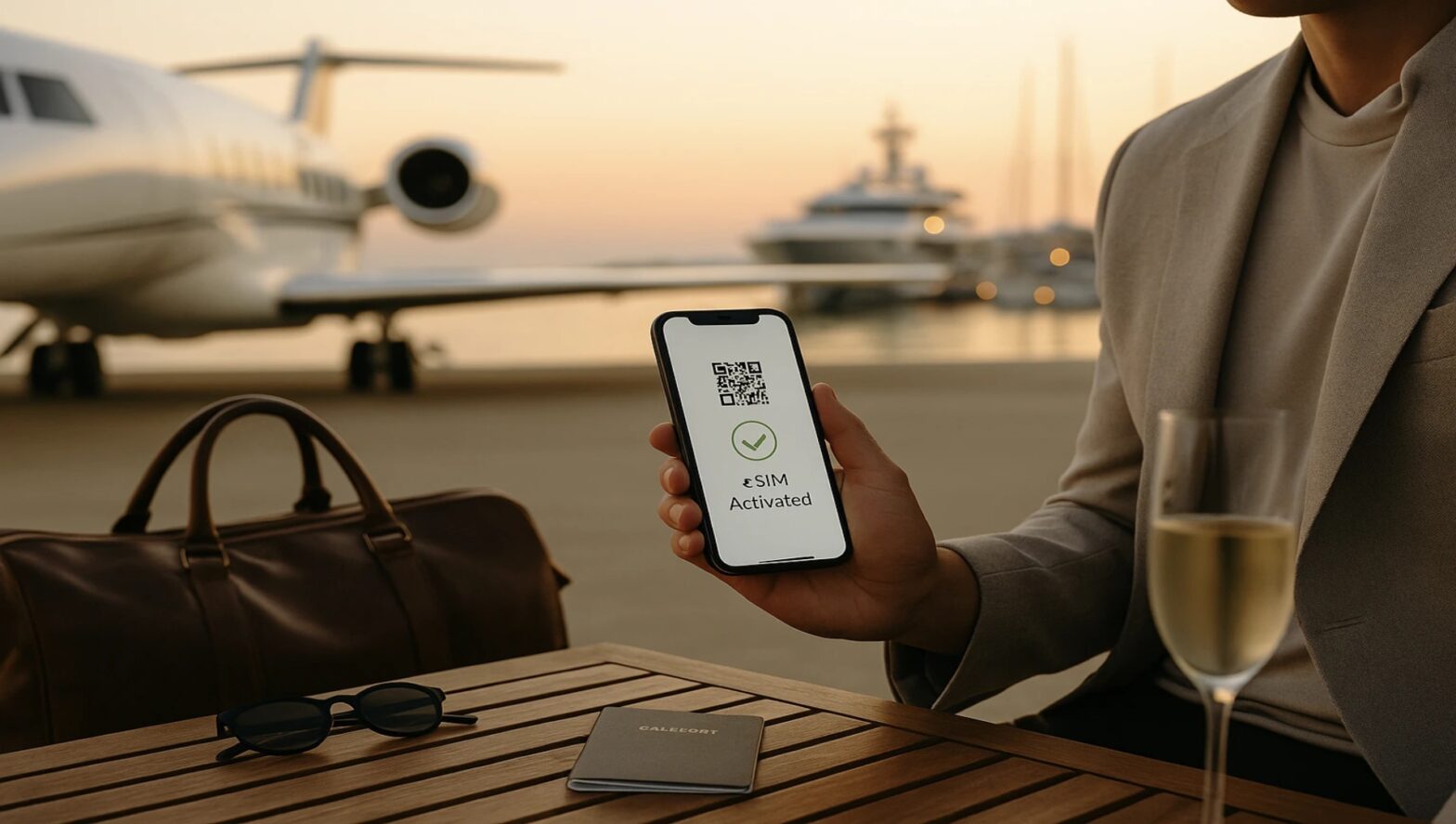
Luxury travel isn’t a mirror-finish car or a corner table; it’s the absence of friction. It’s the car already waiting, the room already cooled, the confirmation already in your inbox. In 2025, the most underrated amenity in that chain is effortless phone data—so your concierge text arrives, your wire approval pings, and your 8K clip uploads the moment inspiration hits. This playbook distills how to make connectivity as polished as the rest of your itinerary.
Why Connectivity Is the New Concierge
- Time is the only true luxury. If you’re hunting a SIM kiosk, you’re not on the tender to lunch.
- Access lives in your phone. QR paddock passes, gallery previews, private tasting menus, one-off invites—most arrive digitally.
- Security matters. High-net-worth travel mixes approvals, NDAs, and staff coordination; mobile data is safer than café Wi-Fi for all of it.
eSIM, Explained (The Luxury Edition)
An eSIM is a digital mobile plan you install by scanning a QR code—no plastic, no store visit. It lets you add a data line for the country or region you’re entering while keeping your primary U.S. number active for voice and 2FA codes. Result: you land connected, approve a contract from the car, and your social manager can start pulling selects before cocktail hour.
Set-up in three minutes:
- Purchase plan → receive QR code by email.
- On your phone: Settings → Cellular/Mobile → Add eSIM → scan → label it “Trip Data.”
- Set Trip Data as Mobile Data; keep your U.S. line for calls/SMS/2FA.
- Enable Data Roaming for Trip Data only.
- Test once at home; then switch data off until wheels-down.
Want a single, tasteful place to compare destination coverage and activate in minutes? Here’s more info on Holafly.
Data Options (At a Glance)
| Option | Setup | Multi-Country | Reliability | Pros | Consider If… |
| Hotel/jet/yacht Wi-Fi | None | — | Variable | Fine for static stays | You won’t leave the property |
| U.S. carrier roaming | None | Limited | Good, often pricey | Familiar | One-city sprint, cost no object |
| Local physical SIM | Kiosk visit | No | Good | Local rate | Long single-country stay |
| Preinstalled eSIM | ~3 min | Yes | High | Land connected; keep U.S. number | You have an eSIM-capable phone |
Security, Privacy & Payments (Quietly Bulletproof)
- Prefer mobile data to public Wi-Fi. If you must use hotel/café Wi-Fi, run a reputable VPN for anything financial or contractual.
- Messaging hygiene. After adding a new data line, recheck iMessage/WhatsApp registration and default lines for calls/data.
- Approvals and wires. Keep banking apps on your primary number, data on the eSIM; SMS codes still reach you while your work laptop tethers briefly via hotspot.
- Device etiquette. On yachts/jets, create a short whitelist of devices for hotspot; rotate your password each leg.
Event-Season Micro-Routes (Bandwidth + Beauty)
Art Fairs & Film Weeks
Miami → St. Barths → Paris Fashion Week → Venice Biennale
- Upload windows: Hotel fiber early AM; sea-days save heavy 4K for the evening.
- On the ground: Keep a “Selects” album. Share low-size proxies with your editor; push the final cut in the hotel lounge.
Motor & Marina Season
Monaco GP → Côte d’Azur → Mykonos
- Pit-lane logistics: Screenshots of QR invites and seat maps; mobile network beats public Wi-Fi near grandstands.
- Marinas: Expect crowded cells at golden hour—schedule timed posts or use the quiet 6–7 a.m. slot.
Alpine Openings
Zürs → Zermatt → St. Moritz
- Low-temp battery care: Keep phones warm inside a jacket; drop from 5G to LTE to conserve power on lifts.
- Transfers: Rail center-to-center with power at seats; screenshot tickets for low-signal tunnels.
Overwater Escapes
Maldives/French Polynesia
- Seaplane handoffs: Offline boarding codes saved in a “Travel” album.
- Island bandwidth: Batch your 8K or RAW stills to evening fiber; share daytime highlights via mobile data.
Staff & Family: One Page to Rule Them All
- Shared note (read-only): Flight numbers, villa/hotel addresses, gate/QR links, emergency contacts, children’s allergies, and local numbers.
- Kids’ data: Keep their tablets offline; share a phone hotspot in transit with time limits.
- Drivers & skippers: Confirm names, plates, tender times in writing; share live location only when needed and only with trusted contacts.
Tiny Kit, Major Ease
- Dual-port fast charger (at least 45W) + 10–20k mAh power bank
- Right-angle USB-C cable for comfortable in-hand charging
- Universal adapter with fused surge protection
- AirTag/Tile set (checked cases, camera bag)
- Microfiber + lens pen (glass, camera, sunglasses)
- Printed eSIM QR inside your passport cover (belt-and-braces)
Troubleshooting in 30 Seconds
- No data after landing? Airplane Mode 10 sec → confirm Trip Data is the active Mobile Data line → Data Roaming ON for that line only → reboot.
- Choppy live at peak time? Drop to 720p/30 fps; move 20–30 meters from crowd clusters; stand near a window or doorway.
- Battery melt on parade? Disable background app refresh; set screen to auto-brightness; force-quit social apps between posts.
The Discreet Checklist (Pin This)
- eSIM installed, tested; data off until landing
- Offline maps per city; all QR invites & tickets screenshotted
- Bank/concierge on primary line; eSIM for data
- Daily “Selects” cull + cloud backup
- Hotspot password rotated; device whitelist updated
- Next-leg car/driver confirmed in writing (plate + pickup point)
Closing Thought: Frictionless Is the New Luxury
Great trips aren’t louder; they’re smoother. A driver who’s early, a table that waits, a pass that scans on the first try, a video that posts while the champagne is still cold—those wins ride on connectivity you never have to think about. Install your eSIM before you fly, keep your primary number for the sensitive bits, and let the rest of your season—art, motors, mountains, or over-water—unfold exactly on cue.